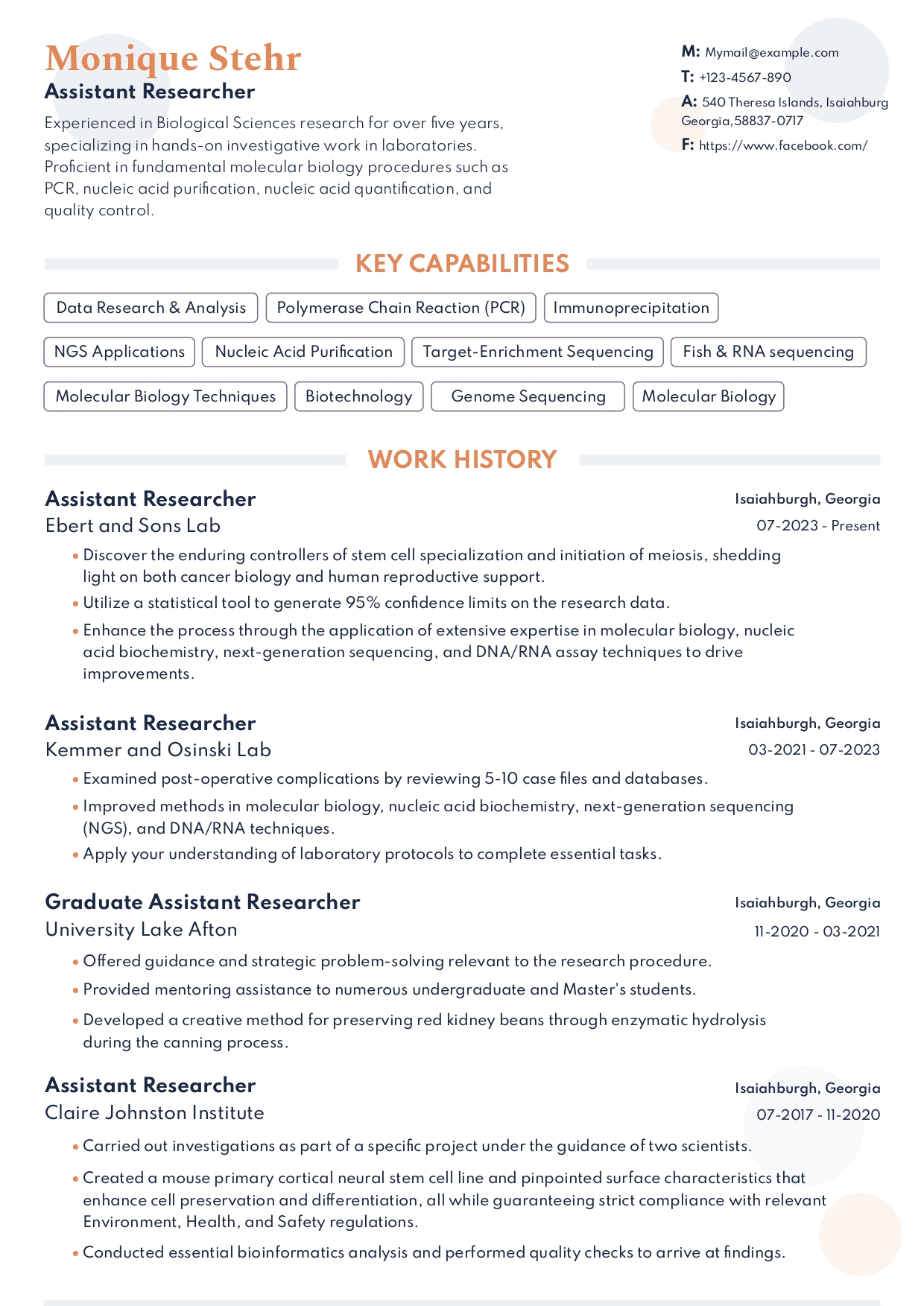
The MIT Standard: CAPD Engineering Resume Guidelines
Whether you are applying for software engineering internships, lab research roles, quantitative finance desks, or hardware design fellowships, your resume needs to demonstrate deep technical mastery. At MIT, the Career Advising and Professional Development (CAPD) office outlines a clear visual and structural code designed to make your academic projects, lab research (UROP), and technical skills instantly scannable.
Your resume should place your technical skills block at the top or bottom, categorized logically, and use action verbs that emphasize engineering, optimization, and deliverables.
💡 MIT CAPD Standard: Maintain a strict one-page limit for undergraduate and master's students. PhD candidates or postdocs may write two pages, but only if they have substantial academic publications or patent filings to declare.
How to Organize Your MIT Resume
1. The Technical Skills Block
Do not list soft skills. Recruiters want to know what tools you can write, design, or run. Categorize your technical stack clearly:
- Languages: C/C++, Python, Java, Assembly, MATLAB, Julia, SQL
- Hardware & Lab: FPGA, Oscilloscope, PCB Layout (Altium), CAD (SolidWorks), Cleanroom microfabrication
- Frameworks & Software: TensorFlow, PyTorch, ROS, Git, Docker, SolidWorks
2. Experience & Lab Research (UROP)
Undergraduate Research Opportunities Program (UROP) and lab fellowships are highly prestigious. List them alongside industry internships, using precise, metrics-driven bullet points:
- "Designed and programmed a firmware driver for an autonomous drone prototype using C++, reducing latency by 14%."
- "Simulated and modeled thermal distributions for a microfluidic chip, validated by experimental data."
- "Optimized database queries for a lab server handling 100K daily requests, speeding up API responses by 45%."
3. Technical Projects
For technical candidates, side projects and Course projects (like 6.033 or 2.007) are key differentiators. Create a section dedicated to your builds. Detail your specific contributions, and always link your GitHub repository or personal portfolio site.
4. Education
List your degree at the Massachusetts Institute of Technology (MIT). State your Course number (e.g. "Course 6-3: Computer Science and Engineering") and graduation year. Mention relevant academic achievements, awards, or Course projects.
Visual Conventions for Technical Resumes
Our MIT Google Docs template is pre-structured to respect the visual standards expected by tech companies and national laboratories:
- Clean Sans-Serif or Classic Serif: Keep it clean with Arial, Helvetica, or Garamond at 10–11pt.
- Single Column Layout: Ensures that automated parser algorithms (ATS) do not scramble your skills and experience layout.
- Dates and Locations: Always right-aligned to create a neat horizontal grid.