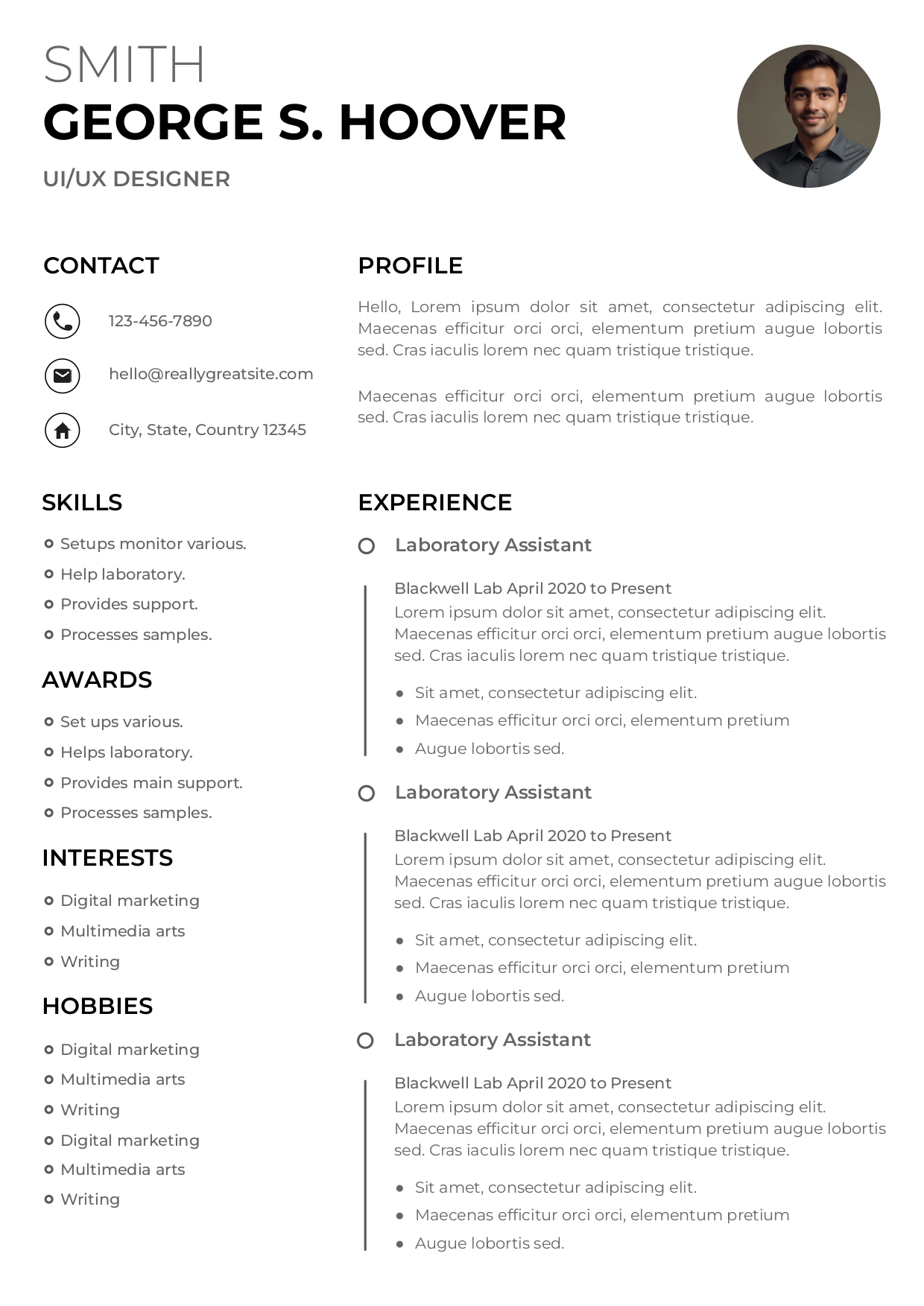
Why Harvard Graduates Need a Different Resume
Harvard's Office of Career Services is one of the most respected career guidance offices in the world — and their resume standards reflect that. Harvard students and alumni are expected to submit documents that are dense with substance, stripped of decoration, and ruthlessly clear.
That means no profile photos, no color bars, no progress-style skill indicators. What matters is the quality of your bullet points, the strength of your verbs, and the clarity of your formatting.
💡 Harvard OCS Rule: Undergraduates and master's students should maintain a strict one-page resume. PhD candidates and senior academics may extend to two pages — and only when every line adds value.
The 4 Sections of a Harvard-Standard Resume
1. Education — Always First
Unlike most global conventions, Harvard places Education at the very top of the resume — even above professional experience. This is intentional: your academic pedigree is your primary differentiator.
- Degree name and field of study — spelled out in full (e.g. "Bachelor of Arts, Government, magna cum laude")
- Graduation year — right-aligned, on the same line as the institution name
- GPA — include it if 3.5 or higher; optional otherwise
- Honors, thesis, relevant coursework — list selectively, only if genuinely impressive
2. Experience — Quantify Everything
Every bullet point in your experience section should follow a simple rule: action verb + task + measurable result. Recruiters at McKinsey, Goldman Sachs, and Google scan resumes in under 10 seconds — your impact must be immediately legible.
- "Coordinated a 25-person student volunteer program, raising $14,000 for a local literacy non-profit."
- "Assisted in policy research analyzing 12 public datasets, cited in a state government report."
- "Managed communications for the Harvard Debate Council, growing social media reach by 47%."
📌 No experience? List your most relevant academic projects, class presentations, or research papers exactly as you would a job. Harvard OCS explicitly encourages this for first- and second-year students.
3. Leadership & Activities
Harvard recruiters expect to see campus involvement — this section is not optional. Whether you run a student organization, compete in case competitions, or lead a cultural club, it tells recruiters you operate well in teams and under pressure.
- List 2–4 roles maximum — quality over quantity
- Include your specific title and the size of the group you led or joined
- One bullet per role is often sufficient — keep it punchy
4. Skills
Keep this section tight. Harvard OCS recommends listing only skills you can genuinely defend in an interview — never pad with "Microsoft Word" or vague descriptors like "hard-working".
- Languages with level: "French (fluent), Mandarin (conversational)"
- Technical tools: Python, SQL, Tableau, Bloomberg Terminal, MATLAB
- Certifications: CFA Level I, TOEFL 118/120, Google Analytics
Formatting: The Harvard Resume Style Guide
Harvard's visual standard for resumes is deliberately conservative. Below are the non-negotiable formatting rules applied in our Google Docs template:
- Font: Times New Roman or Garamond, 10–12pt body, consistent throughout
- Margins: 0.5–1 inch on all sides — never go below 0.5"
- Dates: Always right-aligned in every section
- Bold: Reserved for job titles, institution names, and key results only
- Italics: Used for company names or degree titles — never for general text
- Lines / dividers: A single horizontal rule under your name is acceptable. Nothing more.
Why Use a Google Docs Template?
Google Docs is the most universally compatible resume tool available today. Unlike Word, it opens identically on every device, requires no software license, and can be instantly shared with career counselors or referrals via a single link.
Our Harvard template is a native Google Docs file — meaning you get zero formatting drift when editing. The layout is locked to Harvard OCS standards, and every section is clearly labeled with placeholder guidance.